



WebSphere Application Server v8.5.5 Fix Pack 10 update
WebSphere Application Server v8.5.5 Fix Pack 10 update screenshots for reference below.
Please refer to my earlier blog entry for WebSphere Application Server v8.5.5 Fix Pack 10 information.
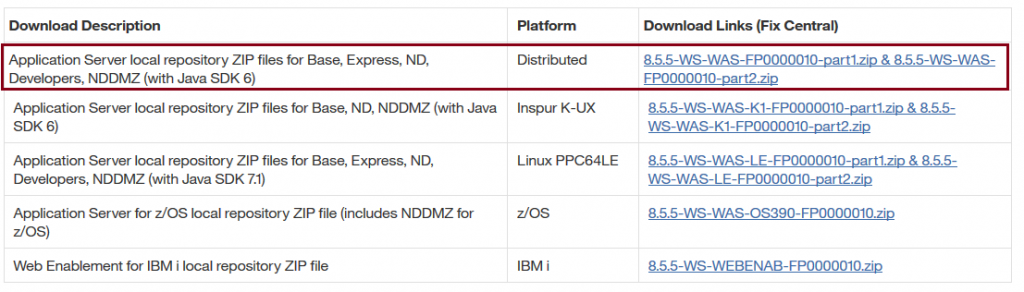
1. Download below files from Fix central.
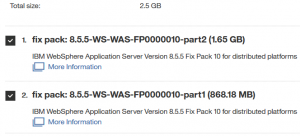
2. Unzip the zip files that got downloaded from first step.
3. Start IBM Installation Manager and point out the repository.config file.
4. Click on update and point out the Websphere Application Server v8.5 product.
5. Select the fixpack that needs to be updated.

6. Click on Next and proceed further till last step and click on update.
7. Click on Finish once the fix pack is completed.

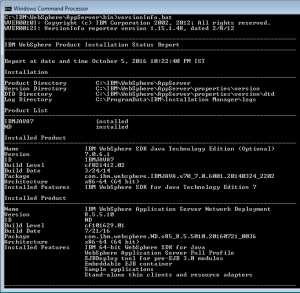
Navigate to AppServer product location from command prompt and check the updated version.
WebSphere Application Server V8.5.5 Fix Pack 10 link for reference.