



JBAS012144 The controller is not available at localhost:9999
JBAS012144 The controller is not available at localhost:9999: java.net.ConnectException: JBAS012144: Could not connect to remote://localhost:9999. The connection timed out: JBAS012144: Could not connect to remote://localhost:9999. The connection timed out.
Above error message pops up while accessing Wildfly v8.2 CLI commands. Below screenshot with exceptions were occuring even when tried with –connect option.
1. Navigate to Wildfly bin directory and issue,
./jobss-cli.sh

2. Navigate to Wildfly bin directory and issue,
./jobss-cli.sh –connect
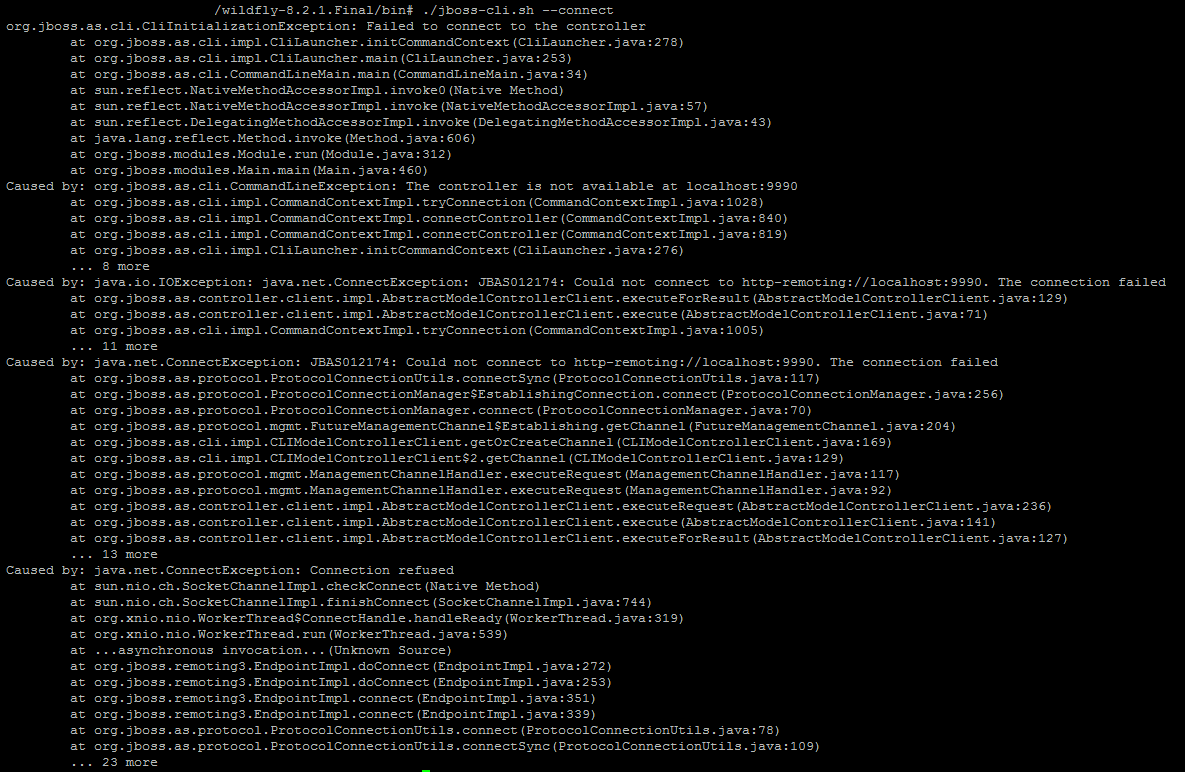
Exception is,
org.jboss.as.cli.CliInitializationException: Failed to connect to the controller
at org.jboss.as.cli.impl.CliLauncher.initCommandContext(CliLauncher.java:278)
at org.jboss.as.cli.impl.CliLauncher.main(CliLauncher.java:253)
at org.jboss.as.cli.CommandLineMain.main(CommandLineMain.java:34)
at sun.reflect.NativeMethodAccessorImpl.invoke0(Native Method)
at sun.reflect.NativeMethodAccessorImpl.invoke(NativeMethodAccessorImpl.java:57)
at sun.reflect.DelegatingMethodAccessorImpl.invoke(DelegatingMethodAccessorImpl.java:43)
at java.lang.reflect.Method.invoke(Method.java:606)
at org.jboss.modules.Module.run(Module.java:312)
at org.jboss.modules.Main.main(Main.java:460)
Caused by: org.jboss.as.cli.CommandLineException: The controller is not available at localhost:9990
at org.jboss.as.cli.impl.CommandContextImpl.tryConnection(CommandContextImpl.java:1028)
at org.jboss.as.cli.impl.CommandContextImpl.connectController(CommandContextImpl.java:840)
at org.jboss.as.cli.impl.CommandContextImpl.connectController(CommandContextImpl.java:819)
at org.jboss.as.cli.impl.CliLauncher.initCommandContext(CliLauncher.java:276)
… 8 more
Caused by: java.io.IOException: java.net.ConnectException: JBAS012174: Could not connect to http-remoting://localhost:9990. The connection failed
Resolution: Try to embed –controller and give the IP along with port to move out of this issue.
./jobss-cli.sh –connect –controller <IP>:9990
Where IP is system IP or the IP that is configured with JBoss. Above command will work and we should be able to hit the JBoss CLI.
Links for reference below,
https://issues.jboss.org/browse/WFLY-1664
https://developer.jboss.org/wiki/CLIConnections-AddressHandling
Deploy and Undeploy commands for reference from my blog entry below,
Deploy: http://www.middlewareprimer.com/blog/2017/07/28/jboss-deploy-cli-command
Undeploy: http://www.middlewareprimer.com/blog/2017/07/28/jboss-undeploy-cli-command