



IBM Integration Bus 9.0 – Rename a Execution Group or Integration Server
You can rename an Integration server or Execution Group (referred as Execution group before IIB 9) by using the IBM Integration Explorer in IBM Integration Bus 9.0.
To rename an Integration server:
- Open the IBM Integration Explorer.
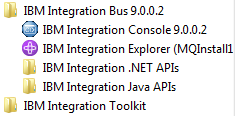
- In the Navigator view, expand the Integration Nodes folder.
- Expand your integration server.
- Right-click the integration server that you want to rename, and click Rename.
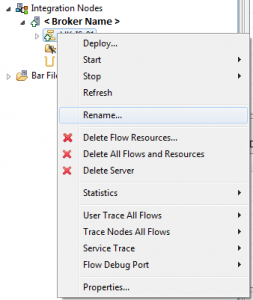
- Enter a name for the integration server, and click OK.
- You have renamed the selected integration server.
A question came up from my friend who asked me if I can rename a Broker. I haven’t seen any link where IIB Infocenter mentioned about this process. Only an Execution Group or Integration Server can be renamed.